In-app review
Oct 4, 2026“Good Explanation”
S
Siddhesh W.
SnapPChart user
SnapPChart is an AI chart analysis tool for day traders that grades a trade setup from a screenshot. Drop in a chart from TradingView, Webull, MetaTrader, or your broker and get an A+ to F grade and one call: take it, wait for a pullback, or skip it. First grade free; paid plans add entry, stop, and targets.
Your first grade is free. See if your setup is worth the risk.
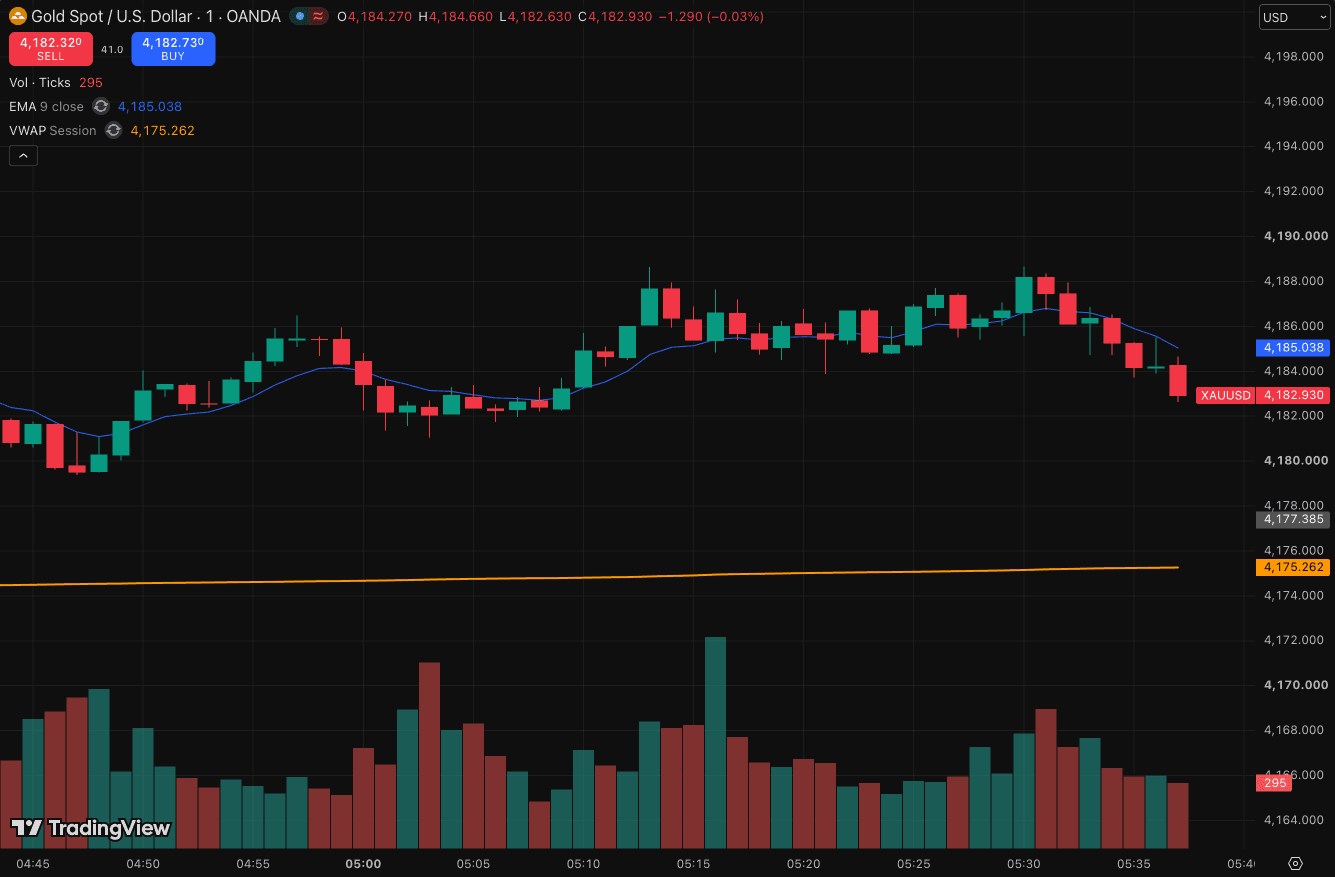
Drag and drop your chart screenshot
or click to browse. PNG, JPG, or WebP.
Make sure both the time axis (X) and price axis (Y) are visible in your screenshot for accurate results.
→ how it works
No symbols to type. No indicators to configure. Drop a chart and the analysis runs on the pixels you see.
Drag, drop, or paste a PNG or JPG up to 10MB. Make sure price and time axes are visible.
A team of AI agents reads the chart end to end (trend, structure, candle patterns, EMAs, RSI, volume) and grades the setup the same way every time.
An A+ to F grade and a plain-language thesis you can review later. Paid plans add the entry, stop, target, and risk to reward.
→ sample output
No yes-man AI. If your setup is mid you'll see a C with the specific reason why. If it's an A, you'll know which confluence earned it.
The scale
→ your profile, your grades
Pick your style, market, and a couple of notes about what you actually take. The AI uses that on every grade. Leave it blank and the default handles itself.
the AI cited this
Bearish order block printed right at the level. Clean structure for a short, but your long-only bias filters it. B+ on the pattern, C as an entry for you.
Upload a chart, get an A+ to F grade with entry, stop, and targets in seconds.
Or grade your first chart free, no card required
What traders are saying
A revolving wall of trader notes from X, Reddit, and the SnapPChart community.
→ skeptical questions
SnapPChart is an AI chart analysis tool for traders. You upload a screenshot of any stock, forex, crypto, or futures chart and it grades the setup A+ to F, reads the direction (long or short), and makes one call: take the trade, wait for a pullback, or skip it. When there is a trade, it returns an entry, a stop, profit targets, and the bear case in seconds. It is built for the moment right before you enter a trade, so you can check whether the chart actually earned the risk instead of trading on a hunch.
Yes. SnapPChart reads the direction off the chart, long or short, and makes one of three calls: take the trade, wait for a pullback, or skip it. Take and wait calls come with an entry, a structural stop, targets, and the risk/reward. A skip names what is missing, such as thin reward or messy structure. The grade shows how strong the case is.
No. SnapPChart is an educational second opinion. The decision and the risk are still yours. We just make sure you've considered the things you might be ignoring.
You'll see the specific reasons (missing confluence, bad risk to reward, conflicting timeframe) and a pullback alternative if one exists. You can still take the trade. You'll just have read the case against it first.
Anything that produces a chart screenshot. TradingView, Webull, ThinkOrSwim, Robinhood, IBKR, MT4/5. Just make sure price and time axes are visible in the screenshot.
The grade reflects setup quality at the moment of the screenshot, not future P&L. Trading involves risk and past performance does not guarantee future results.
Yes. New accounts get one free grade. You get a summarized analysis of your chart and a graded second opinion on whether to take it, wait or pass. Entry, stop, targets and the trade plan come with a paid plan. No card needed to try it. You can grade a real setup before you decide anything. From there a paid plan grades every chart you upload and keeps the history, so over time you can see which setups you keep losing on and stop taking them.
One person. I'm Ben, a trader who got tired of guessing on my own setups, so I built the tool I wanted. There's no support team and no ticket queue. If you have a question or something looks off, email me at ben@snappchart.app and I'll reply within a day, usually sooner.
→ a real human behind this
I'm Ben, a trader who got tired of guessing on my own setups, so I built the tool I wanted. No support team, no ticket queue. It's me. If a grade looks off, your billing does something weird, or you just want to ask before you pay, reach out and I'll reply within a day, usually sooner.
Upload your next chart and get a structured second opinion before you commit attention or capital.
First grade free. No card.