Grade your Apex Trader Funding futures chart before the entry.
Upload an ES, NQ, MES, MNQ, CL, or futures chart screenshot and get an AI setup grade, entry, stop, targets, and risk notes before you risk an Apex evaluation account.
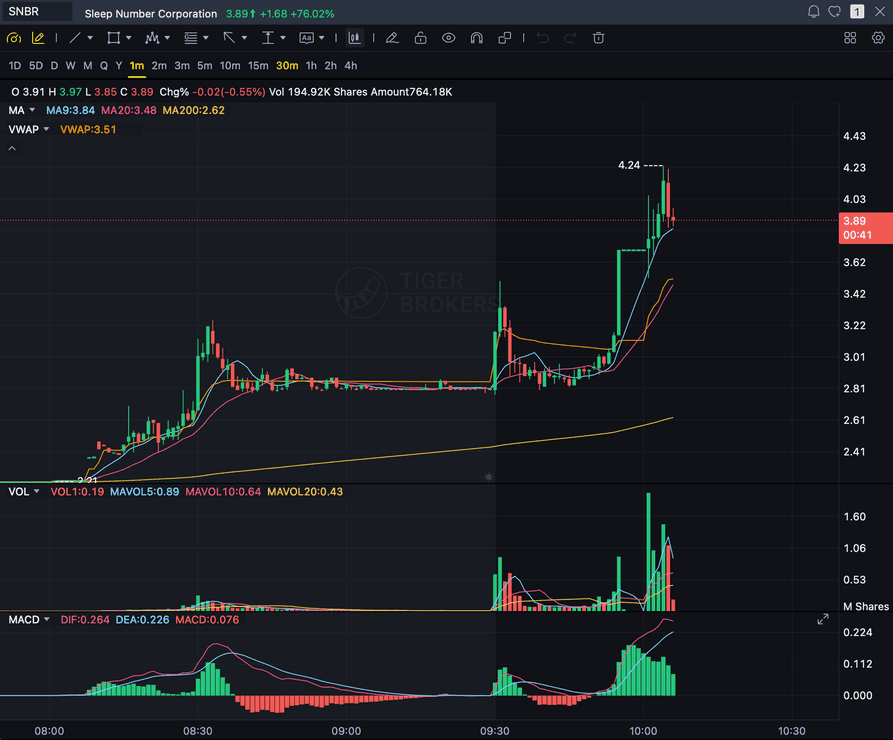
Apex futures chart checkpoint
SnapPChart is not affiliated with Apex Trader Funding and does not connect to your account, read your trailing drawdown or balance, or enforce Apex rules. Use the rules from your own Apex dashboard as the source of truth while reviewing the chart.
SKIP
if rules break
Market focus
ES / NQ
Index futures and their micros (MES, MNQ), plus energy and ag futures screenshots.
Drawdown risk
Trailing
Apex trails the threshold off your peak balance, so one sloppy entry matters.
Setup grade
A-F
Breakout, pullback, reclaim, and continuation quality.
Decision
Trade / wait
Wait when the chart needs more confirmation before you risk capital.
Quick answer
How can futures traders grade Apex Trader Funding setups?
Futures traders can use SnapPChart to grade a chart screenshot before entry. The AI reviews trend, key levels, momentum, pattern clarity, stop location, targets, and the bear case so you can decide whether the trade fits your own Apex evaluation rules, including the 5 percent profit target and the trailing-drawdown threshold from your Apex dashboard.
Challenge discipline
Apex's trailing drawdown punishes one sloppy futures entry.
Apex trails the threshold off your peak balance, so a single impulsive ES or NQ trade can wipe out the cushion you built across several disciplined sessions. Grade the setup before you take it and skip C-grade charts to protect the evaluation.
Your daily loss rule stays visible
A prop challenge can be failed by one emotional trade day. Use the chart grade and risk notes alongside your own daily loss rule before sizing the trade.
Drawdown pressure is part of the read
A clean-looking chart still has to fit the max loss or trailing drawdown constraints from your challenge plan. SnapPChart reviews the chart risk before the trade gets emotional.
Setup quality beats trade count
Prop traders need fewer low-quality entries, not more signals. The A-F grade makes weak, late, or messy setups harder to justify.
Workflow
Grade the futures setup while the risk is still optional.
Use a screenshot from NinjaTrader, Tradovate, TradingView, or your platform and compare the chart read against your own Apex evaluation plan before the order goes live.
The highest-value output is often skip.
A prop challenge rewards constraint. If the setup needs too much stop room or the grade is weak, the disciplined move is to wait.
- The stop needed by the chart would risk too much of the daily loss limit.
- The move is already extended and the next logical target is too close.
- The setup grade is weak because volume, trend, and key levels conflict.
- You are trying to recover from a prior loss instead of trading a clean setup.
- 01
Screenshot the trade before entry
Capture the chart with candles, price scale, timeframe, indicators, and the level you are planning to trade.
- 02
Upload it for an AI setup grade
SnapPChart checks trend, momentum, volume, key levels, pattern quality, and risk/reward from the screenshot.
- 03
Compare the trade plan with your challenge rules
Use the entry, stop, targets, and bear case to decide whether the setup still fits your daily loss and drawdown constraints.
- 04
Skip the chart if the rules do not fit
A C-grade chart, thin reward, unclear stop, or oversized loss risk should be treated as a no-trade day, not a problem to force.
Next pages
More challenge-risk pages
Use the general prop firm page for positioning and the overtrading page for discipline content.
FTMO Trade Grader
Grade forex and gold chart screenshots before risking an FTMO-style challenge trade.
Topstep Trade Grader
Review futures chart setups before taking a Combine-style intraday trade.
Pass Without Overtrading
A discipline-first workflow for reducing forced trades during a challenge.
Revenge Trading Guide
How to put friction between a bad loss and the next impulsive trade.
FAQ
Prop Firm Challenge AI Grader FAQ
How to use SnapPChart as a setup-quality checkpoint during a challenge.
Can SnapPChart grade Apex Trader Funding trades?
SnapPChart can grade futures chart screenshots that a trader is considering during an Apex Trader Funding evaluation or funded-account workflow. It is not affiliated with Apex and does not connect to your account or verify evaluation status.
Does SnapPChart track my Apex trailing drawdown?
No. SnapPChart does not connect to Apex, read your trailing-drawdown threshold, balance, or any account rule. It reviews a static chart screenshot only. Use the live numbers from your own Apex dashboard as the source of truth alongside the chart grade, stop, targets, and bear case.
Is this a prop firm signal service?
No. SnapPChart does not send trade alerts or tell you what to buy. You upload a chart you are already considering, then use the AI grade and risk notes as a second opinion.
What markets can prop traders upload?
You can upload forex, gold, futures, stocks, crypto, ETFs, or any chart screenshot where the candles, timeframe, price scale, and key indicators are visible.
Should I use this instead of my own trading plan?
No. Use SnapPChart as a pre-trade checkpoint. Your own prop firm rules, risk limits, and trading plan should decide whether the setup is allowed.
SnapPChart is not affiliated with, endorsed by, or sponsored by FTMO, Topstep, or any prop firm. The analysis is educational chart review, not financial advice, investment advice, or a guarantee of passing any challenge.
Check the futures setup before you risk the evaluation.
Upload the chart and review whether the trade has enough structure to deserve Apex evaluation-account risk.